Silver-grey resin
Explore a lighter grey surface against the frontage and existing borders.
Resin driveway visualiser
A resin blend covers a much bigger area than the sample in your hand. Put a resin-bound finish onto a photo of your property and explore the overall colour direction.
Upload a photo. Choose the work. See the possibility.
 Project preview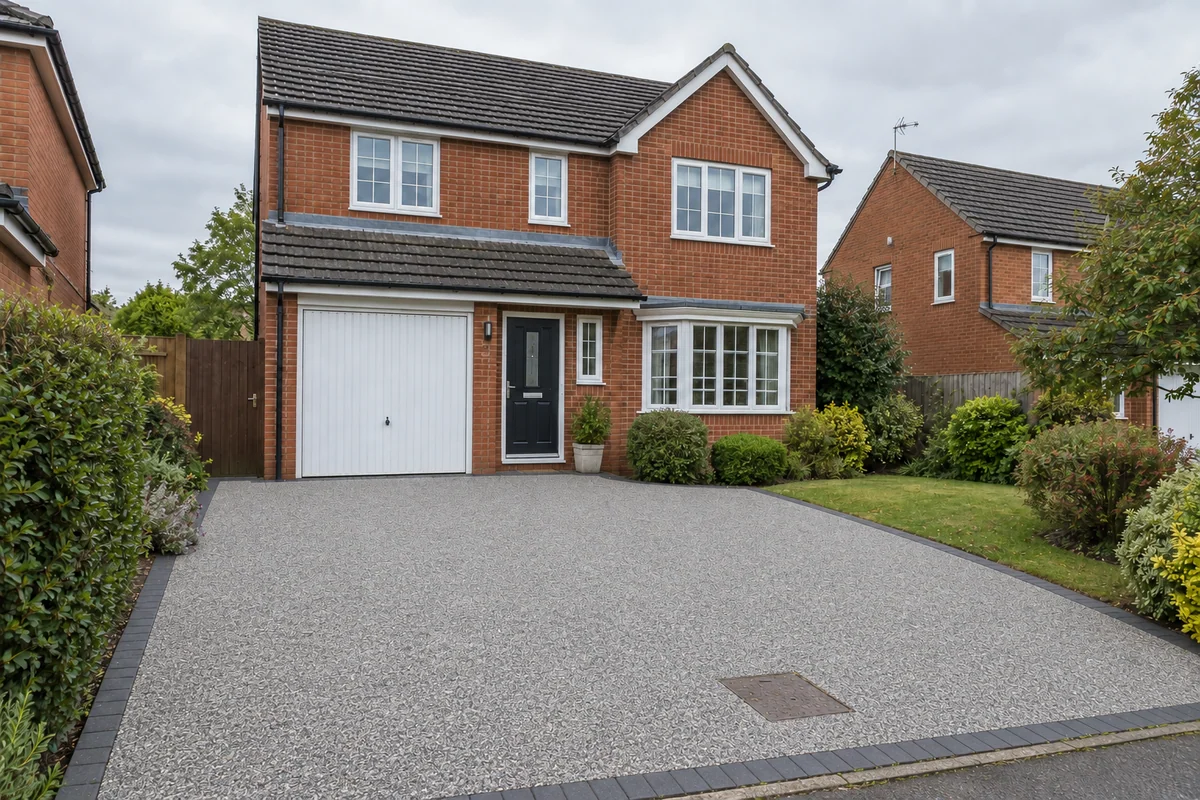
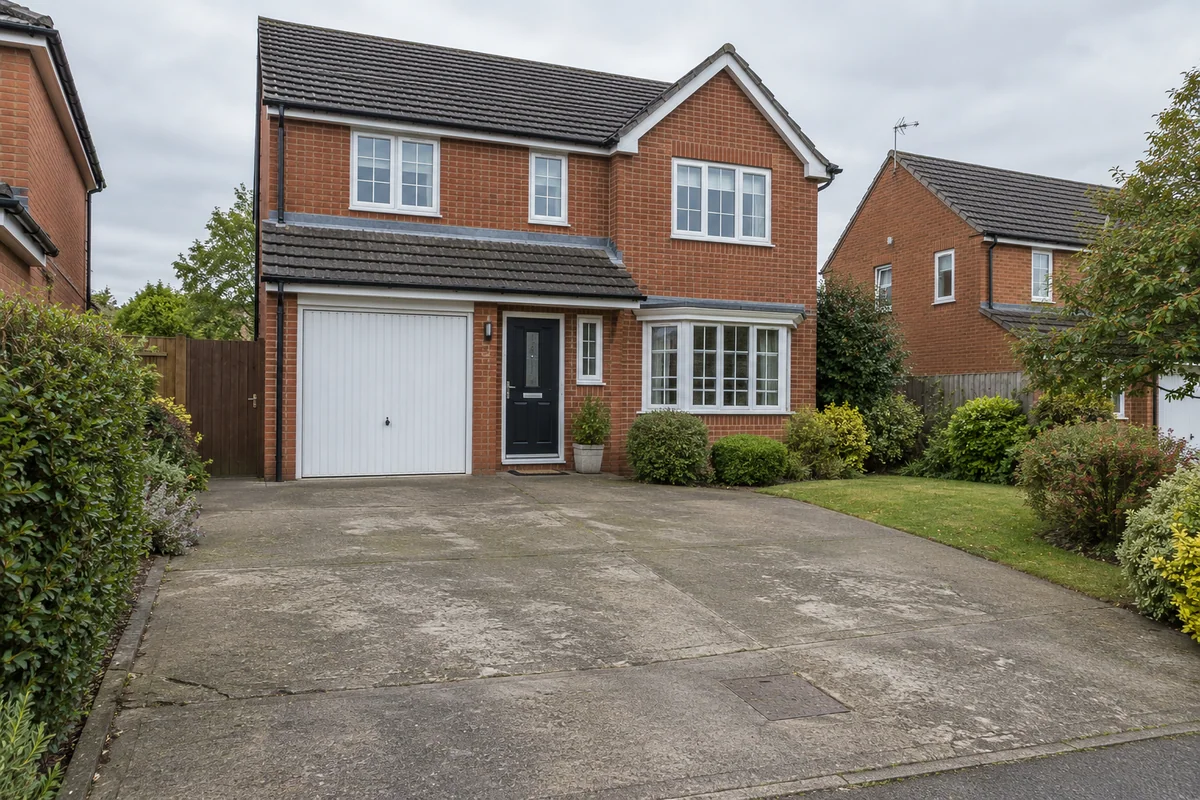 Original sceneAI concept
Drag to compare, or use the arrow keys
Illustrative AI concept, not a completed customer project.
Actual results depend on your photo and selected finish.
Your project, in context
A cool grey resin can read quite differently beside red brick, pale render or a planted border. A golden finish changes the balance again. Preevu helps you look at those relationships across the visible driveway, using your existing property as the reference.
See the step-by-step processFrom your photo to a preview
Your choices
Use the image to explore the visual direction before agreeing the real work.
Explore a lighter grey surface against the frontage and existing borders.
Try a warm natural aggregate direction alongside brickwork and planting.
Add a short note about an edge treatment you want the concept to explore.
These are resin-bound appearance concepts. The preview does not specify a resin system, demonstrate permeability or confirm whether an overlay is suitable.
Make the most of the photo
Look at the driveway as a whole first, then compare the border and the way the surface meets the house. Once you prefer a direction, ask your installer for a real aggregate sample. An AI image cannot reproduce the exact blend, stone size or appearance in every light.
Read the photo guideUse JPG, PNG or WebP within the limit shown in the tool.
The live catalogue supplies the available choices.
Check the original against the preview before using it.
Choose the change in the visualiser and create a concept to compare.
Questions, answered
Straight answers before you upload a photograph.
Keep exploring