A sample and a description
“Imagine this finish across the whole drive.”
Useful up close. Harder to picture against the house, the borders and the rest of the frontage.
AI visualisation for trades
Upload a real project photo. Choose the work and finish. Preevu shows customers how the change could look, so you can talk about the job with a picture in front of you.
Upload a photo. Choose the work. See the possibility.
 Project preview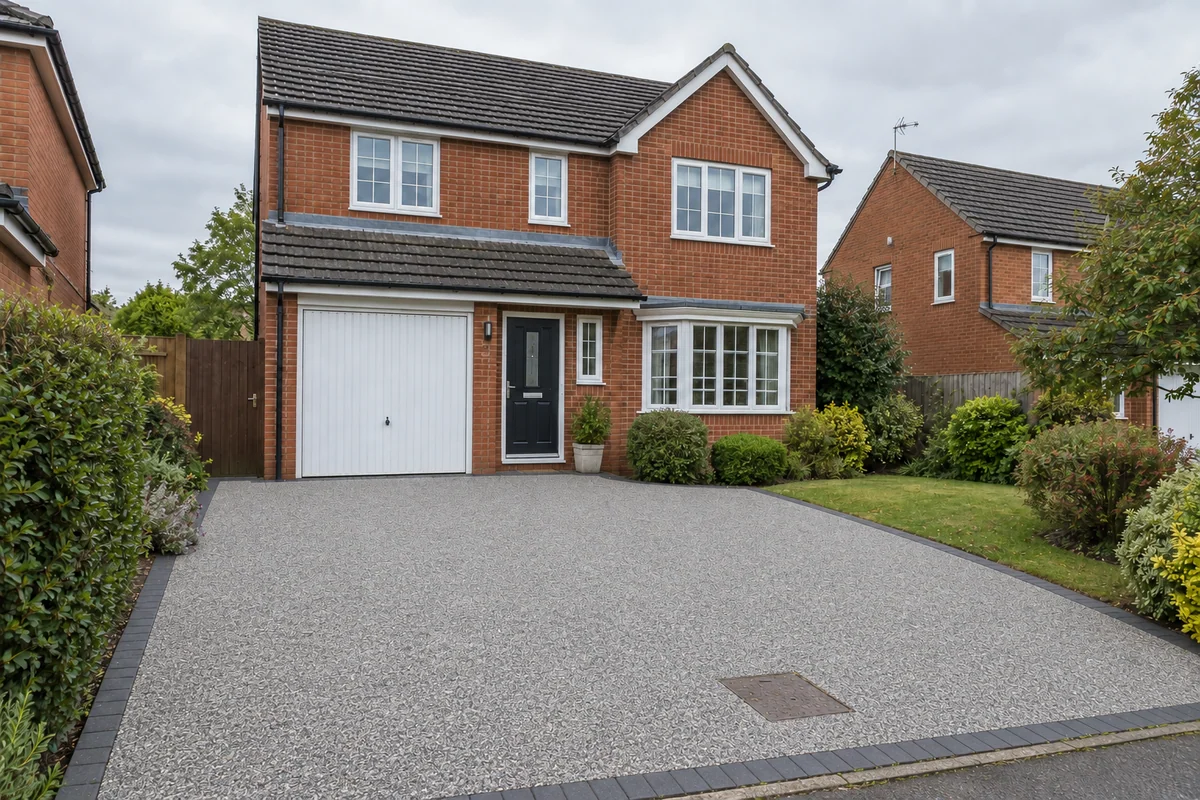
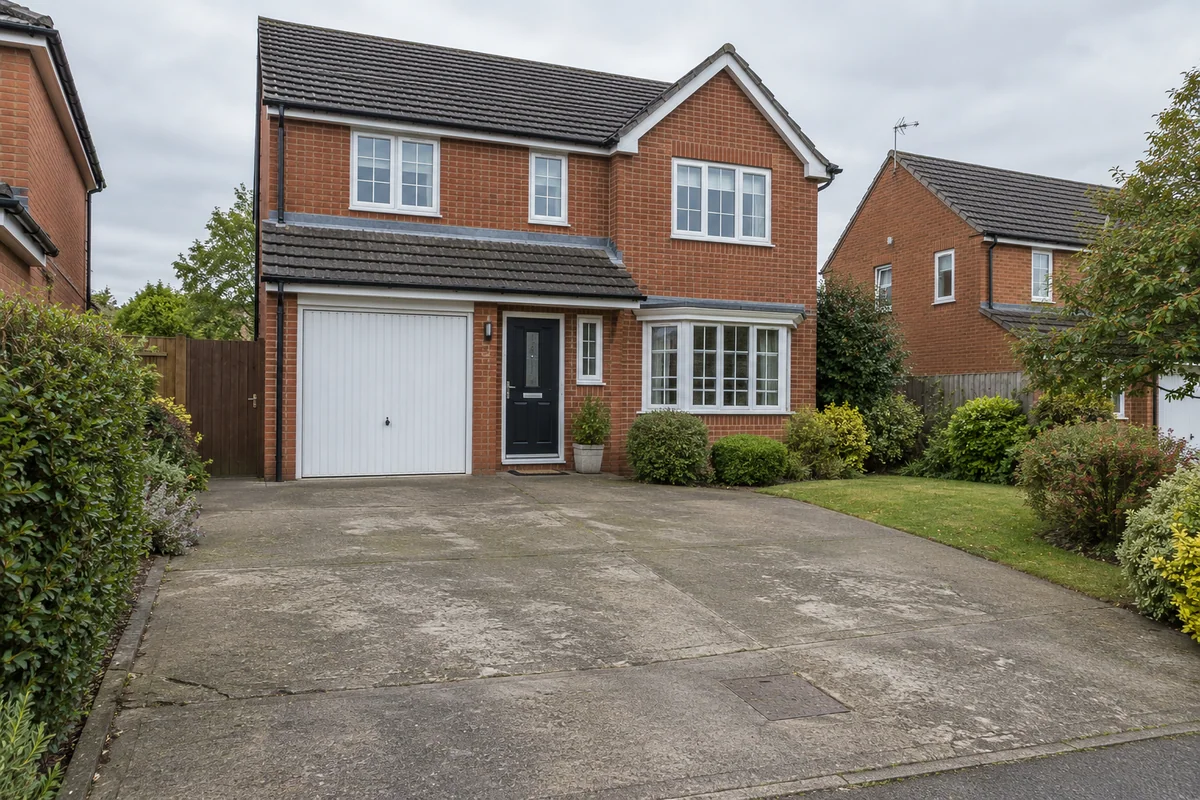 Original sceneAI concept
Drag to compare, or use the arrow keys
Illustrative AI concept, not a completed customer project.
Actual results depend on your photo and selected finish.
The missing part of the conversation
You have done this kind of job before. Your customer might be choosing a driveway, a roof or a new floor for the first time.
Preevu gives you a shared starting point: their own property, with the proposed change in view.
See how Preevu worksOne photo. One clear brief.
Keep the conversation about their property and the work you are proposing.
“Imagine this finish across the whole drive.”
Useful up close. Harder to picture against the house, the borders and the rest of the frontage.
“Here is the direction we are talking about.”
A visual concept gives both of you something specific to compare, question and refine.
How it works
No drawing skills needed. Start with the photograph you already have.
A clear photograph of the room, roof, drive or garden gives the preview a useful starting point.
Select the trade, the work and an available finish. Add a short note for any detail that matters.
Slide between the original and the AI concept. Download a useful preview to discuss the next step.
Put the finish on a photo of the place where the work is happening.
Choose your line of work to see where a project preview can help.
Resin, paving and a clearer picture of the finished drive.
Take a lookRoof coverings, seen in the context of the whole property.
Take a lookA new floor, seen alongside the room they already have.
Take a lookPaint, wallpaper and panelling ideas made easier to discuss.
Take a lookPatio and lawn finishes in the context of the garden.
Take a look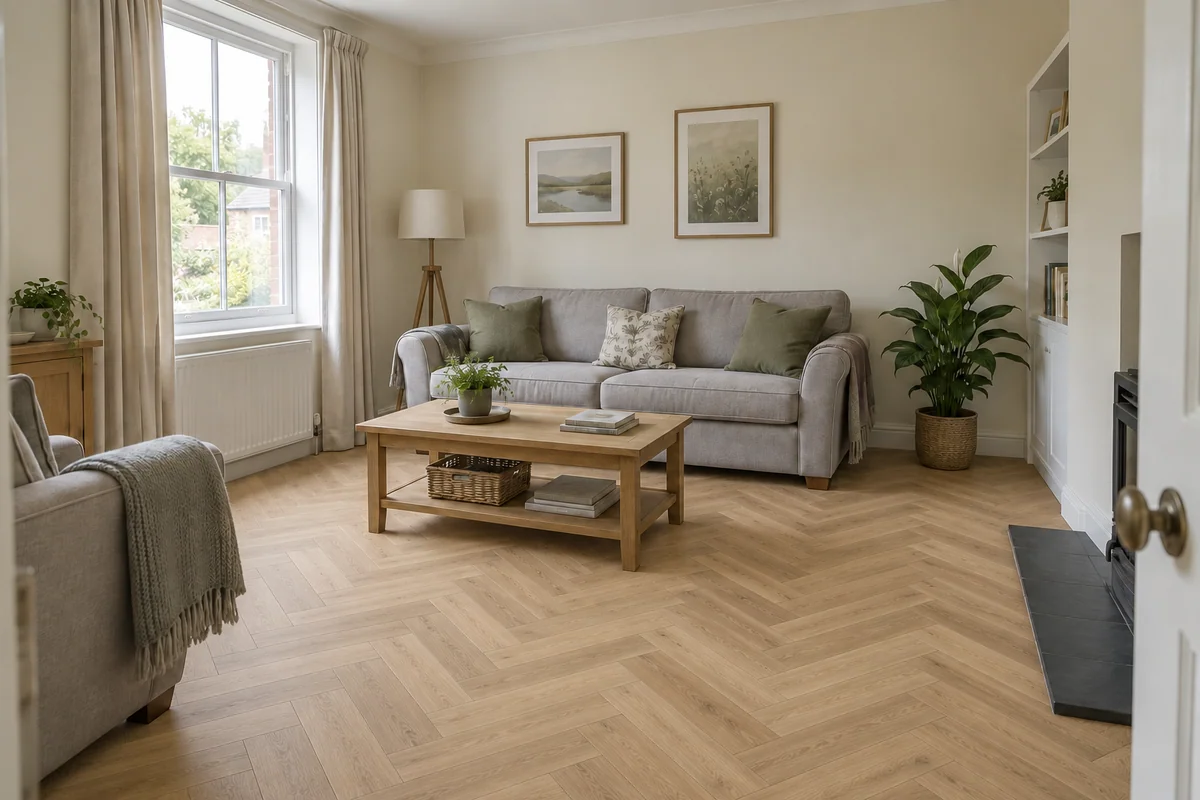
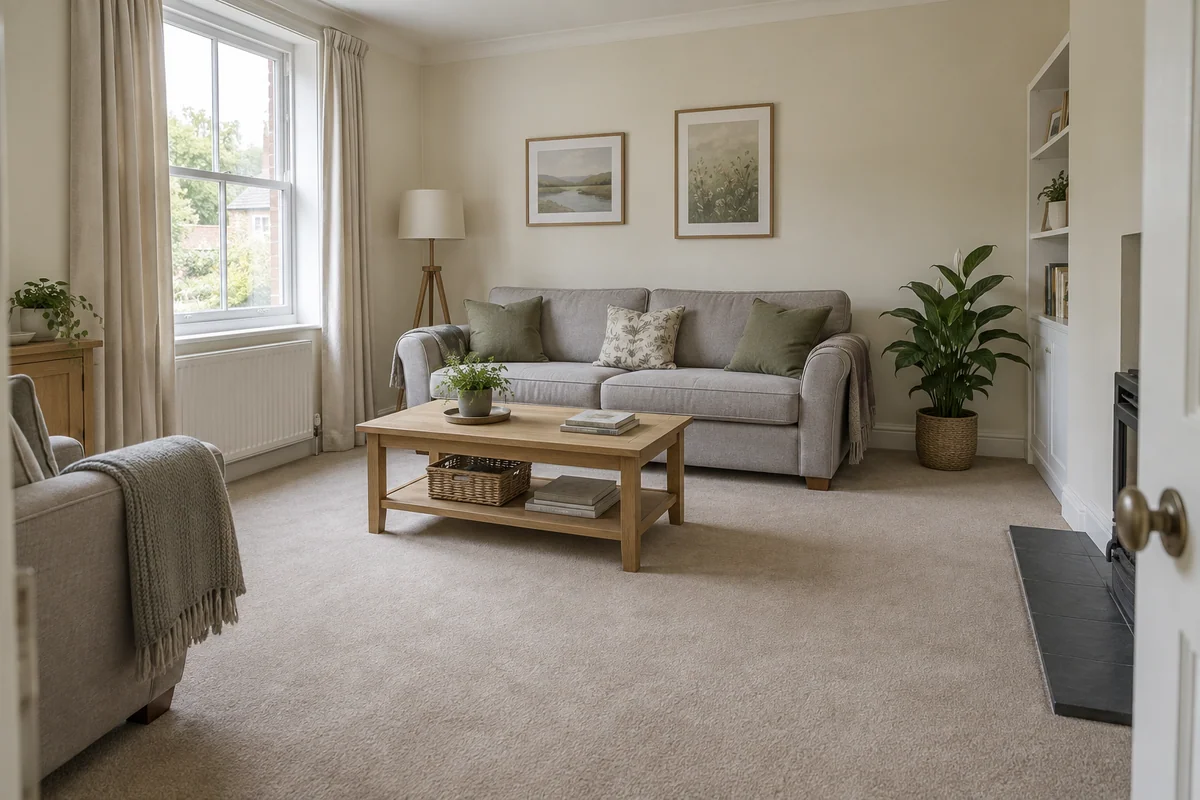 Original sceneAI concept
See it in context
A new surface is easier to judge alongside the furniture, walls and light that are already there. Preevu starts with that context and asks the AI to keep unrelated details in place.
Explore the example previewsIllustrative AI concept. Always check the result against the original.
What you get
Useful choices before generation. A clear comparison afterwards.
Pick the trade and change first, so the preview has a clear purpose.
Use catalogue finishes, with product reference images where available.
Review the generated change against the original photo.
Request a new version using the same project choices and original.
Save the image for a customer conversation or your own planning.
Upload a project photo from a phone, tablet or computer.
A preview with a purpose
Use the image to discuss the look. Keep physical samples, measurements and professional checks in the decision. An AI preview helps you see a possibility; it does not promise the finished result.
Read the practical guideCheck that details outside the work area have stayed as intended.
Colour, texture and product dimensions need a real-world check.
The specification and quote should describe what will actually be supplied.
Questions, answered
Straight answers before you upload a photograph.
A clearer picture of the finish, before the work begins.