Explain a material change
Show how a dark slate look differs from warm red clay or anthracite concrete tiles.
Preevu for roofers
Most customers do not spend their days looking at tile profiles and rooflines. Use a photo of their property to show the direction you are proposing, whether that is a new covering or a different roof form.
Upload a photo. Choose the work. See the possibility.
 Project preview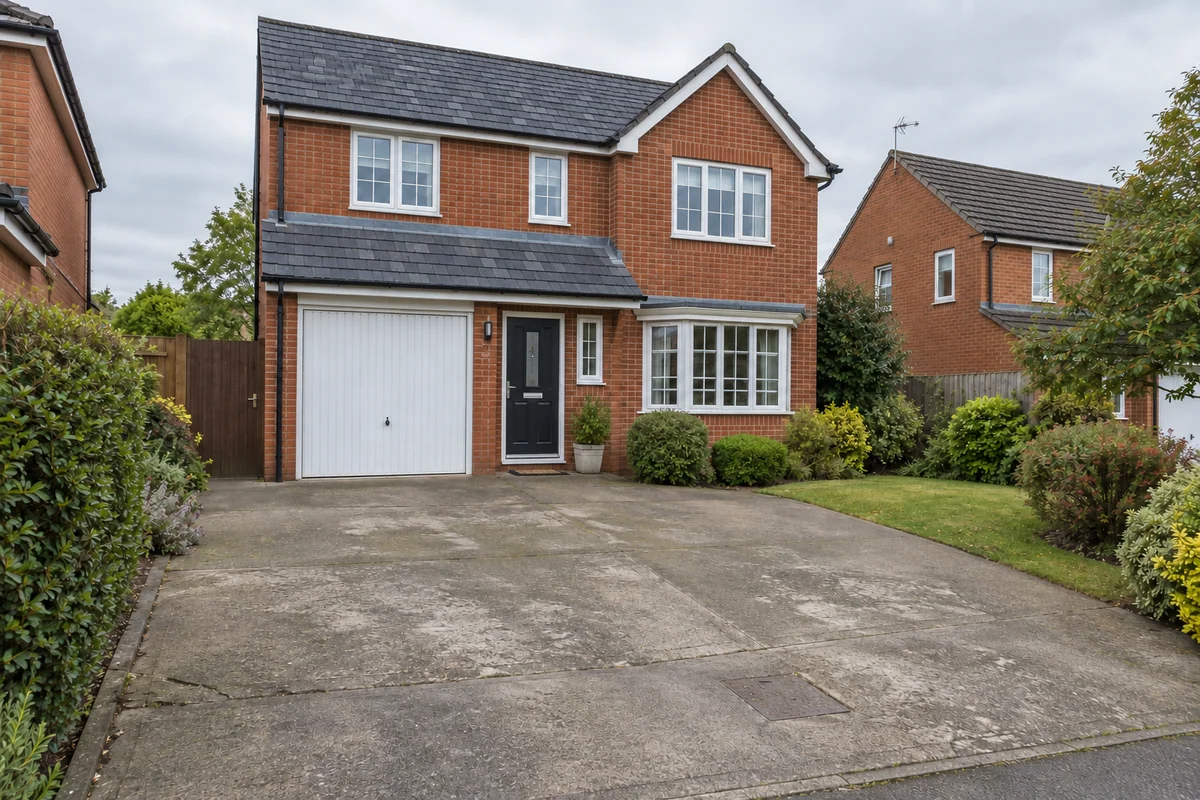
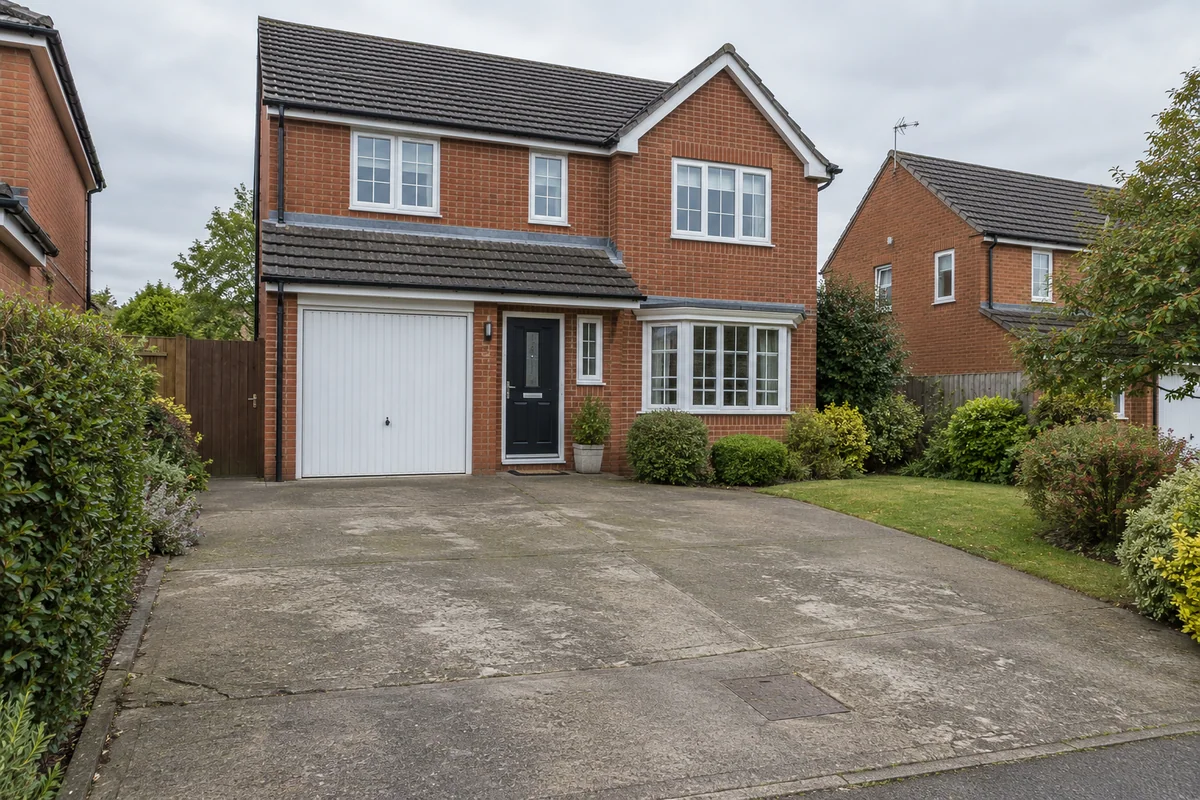 Original sceneAI concept
Drag to compare, or use the arrow keys
Illustrative AI concept, not a completed customer project.
Actual results depend on your photo and selected finish.
For the work you do
A roof changes how the whole property reads from the street. Preevu gives you a way to discuss that appearance before the customer commits to a finish. Select a roof covering or a roof-style change, then compare the concept with the starting photograph.
Show how a dark slate look differs from warm red clay or anthracite concrete tiles.
Use the actual property as the starting point so the brickwork, windows and setting stay relevant.
Use the concept to agree a visual direction, then confirm the technical roof design through your normal process.
What you can preview
Explore the supported finishes below. Open the visualiser to see the choices currently available.
A dark grey tile concept for a more contemporary roof appearance.
A warm roof covering to compare against the existing brickwork.
A slate appearance with a finer visual texture.
Explore the appearance of a hipped form using the roof-style option.
Discuss the visual effect of a gable form on the property.
Start with a clear photo, then use the result to talk through the finish.
A practical workflow
Use Preevu for the visual part of the conversation. Keep your existing estimating and project process.
Take a clear photo with permission, or use one the customer has supplied for the preview.
Choose the relevant work and finish. Add a short note, then check the generated image against the original.
Download a useful concept, label it clearly, and discuss it alongside samples and your own written quote.
Keep exploring
Questions, answered
Straight answers before you upload a photograph.
A clearer picture of the finish, before the work begins.