Anthracite concrete
A dark grey tiled appearance for a contemporary direction.
Roof tile visualiser
Choosing a covering is easier when you can see it against your own brickwork, windows and surroundings. Use Preevu to explore a roof material concept from a property photograph.
Upload a photo. Choose the work. See the possibility.
 Project preview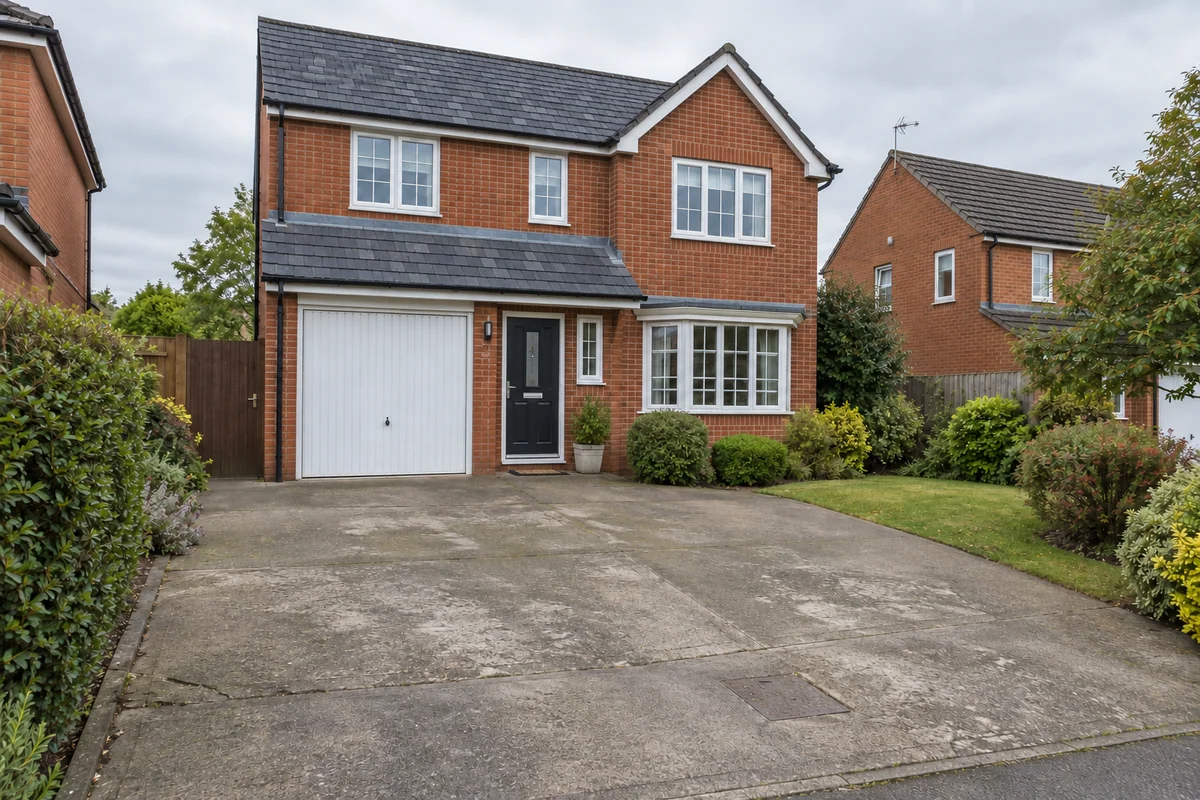
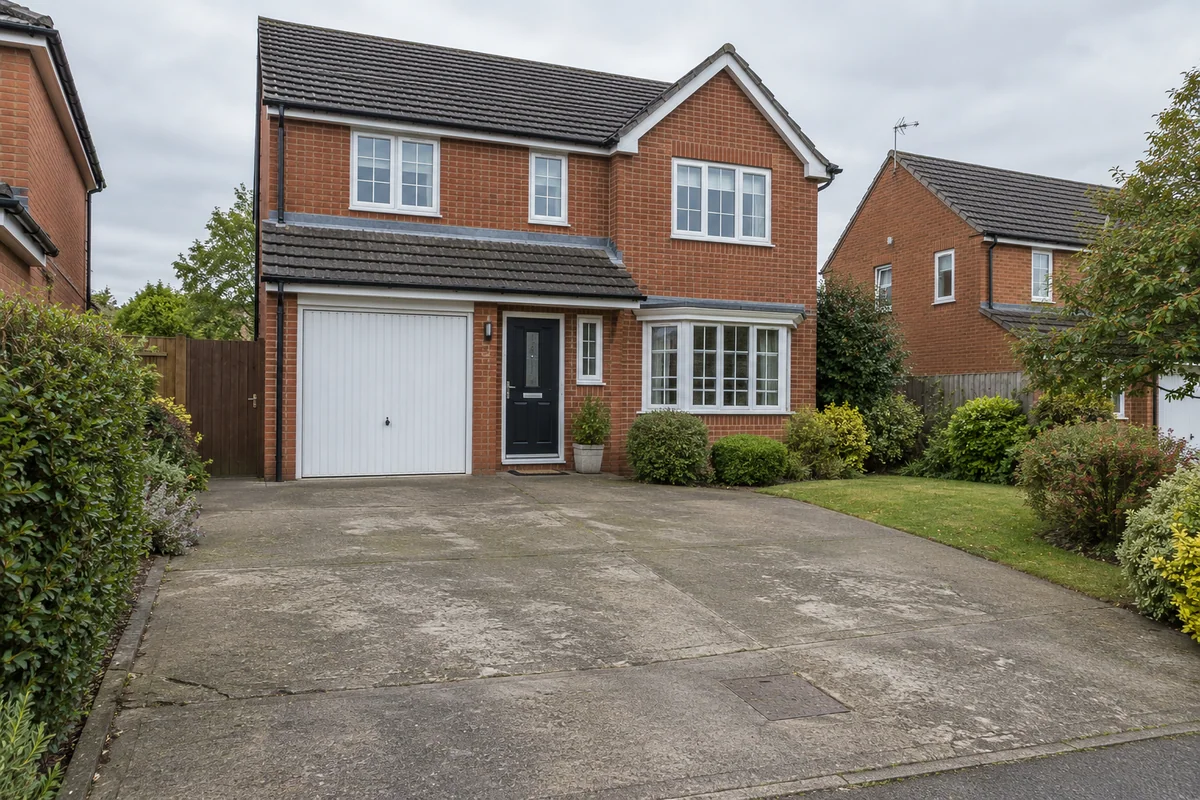 Original sceneAI concept
Drag to compare, or use the arrow keys
Illustrative AI concept, not a completed customer project.
Actual results depend on your photo and selected finish.
Your project, in context
A sample tile shows texture and colour close up. A visualisation helps you consider the impression across a roof slope. Preevu applies the chosen covering with instructions to retain the existing roof form and other building details.
See the step-by-step processFrom your photo to a preview
Your choices
Use the image to explore the visual direction before agreeing the real work.
A dark grey tiled appearance for a contemporary direction.
A warmer covering with a more traditional colour character.
A darker slate concept to compare with the tile options.
Preevu does not select a tile specification or establish pitch, loading, fixing or weathering requirements.
Make the most of the photo
Use the preview to choose a visual direction, then ask your roofer to check actual products. The AI may interpret tile scale, texture and overlap. A product’s suitability for the roof cannot be determined from how convincing an image looks.
Read the photo guideUse JPG, PNG or WebP within the limit shown in the tool.
The live catalogue supplies the available choices.
Check the original against the preview before using it.
Choose the change in the visualiser and create a concept to compare.
Questions, answered
Straight answers before you upload a photograph.
Keep exploring