Sandstone appearance
A natural stone direction with visible tonal variation.
Patio visualiser
The same paving can feel different beside a brick wall, a timber fence or a planted border. Explore a patio finish in a photo of your own garden.
Upload a photo. Choose the work. See the possibility.
 Project preview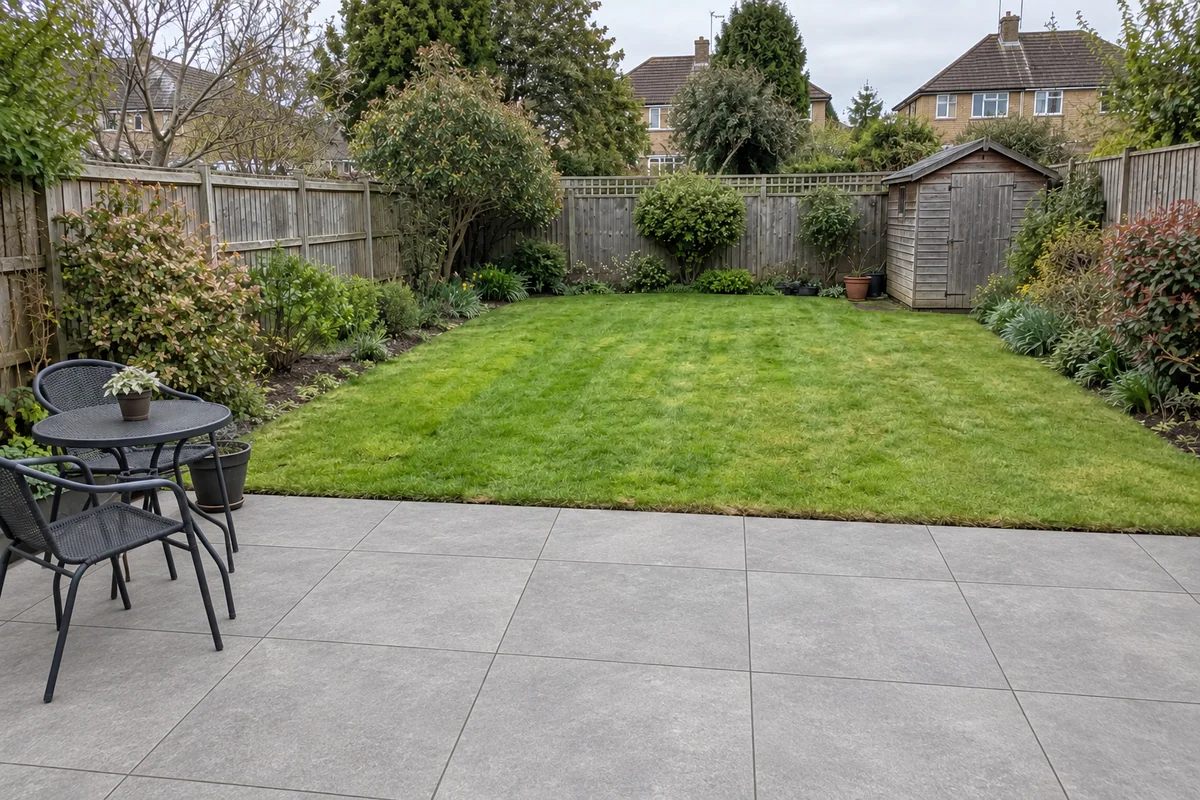
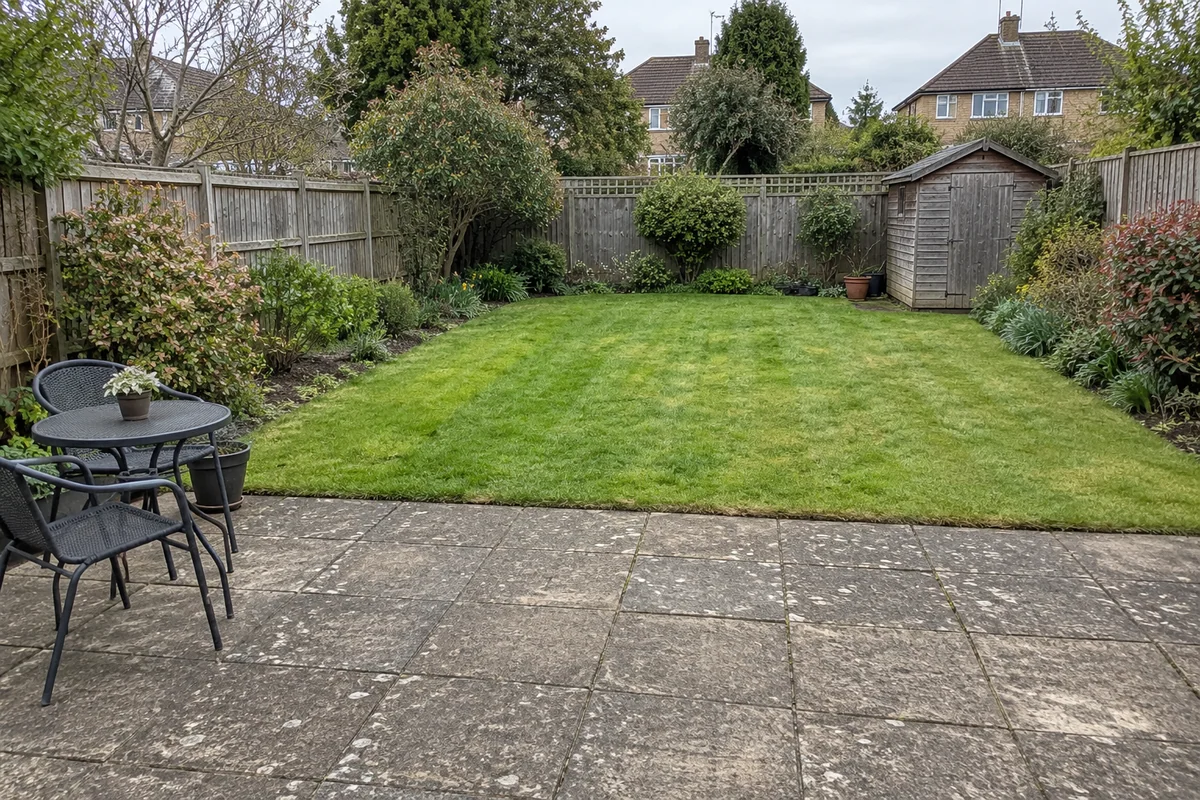 Original sceneAI concept
Drag to compare, or use the arrow keys
Illustrative AI concept, not a completed customer project.
Actual results depend on your photo and selected finish.
Your project, in context
Preevu applies a selected paving look to the existing patio area while asking the AI to preserve the wider scene. Use the comparison to consider colour and texture alongside the property, outdoor furniture and planting.
See the step-by-step processFrom your photo to a preview
Your choices
Use the image to explore the visual direction before agreeing the real work.
A natural stone direction with visible tonal variation.
A cleaner, more uniform slab concept.
Explore the finish within the patio area shown in the photograph.
Slab size, joint spacing and surface texture may be interpreted by AI. Confirm the real paving and laying arrangement from samples and a specification.
Make the most of the photo
A preview can help you decide whether a warmer or cooler paving direction works visually. It cannot tell you about slip resistance, product thickness, substrate or drainage. Keep those questions for the supplier and installer once the visual shortlist is clearer.
Read the photo guideUse JPG, PNG or WebP within the limit shown in the tool.
The live catalogue supplies the available choices.
Check the original against the preview before using it.
Choose the change in the visualiser and create a concept to compare.
Questions, answered
Straight answers before you upload a photograph.
Keep exploring