Compare paving appearances
Show how a sandstone or porcelain look sits next to the property and planting.
Preevu for landscapers
A new patio or lawn is easier to discuss when the customer can see the idea in their own space. Start with their garden, choose the work, and show the direction you have in mind.
Upload a photo. Choose the work. See the possibility.
 Project preview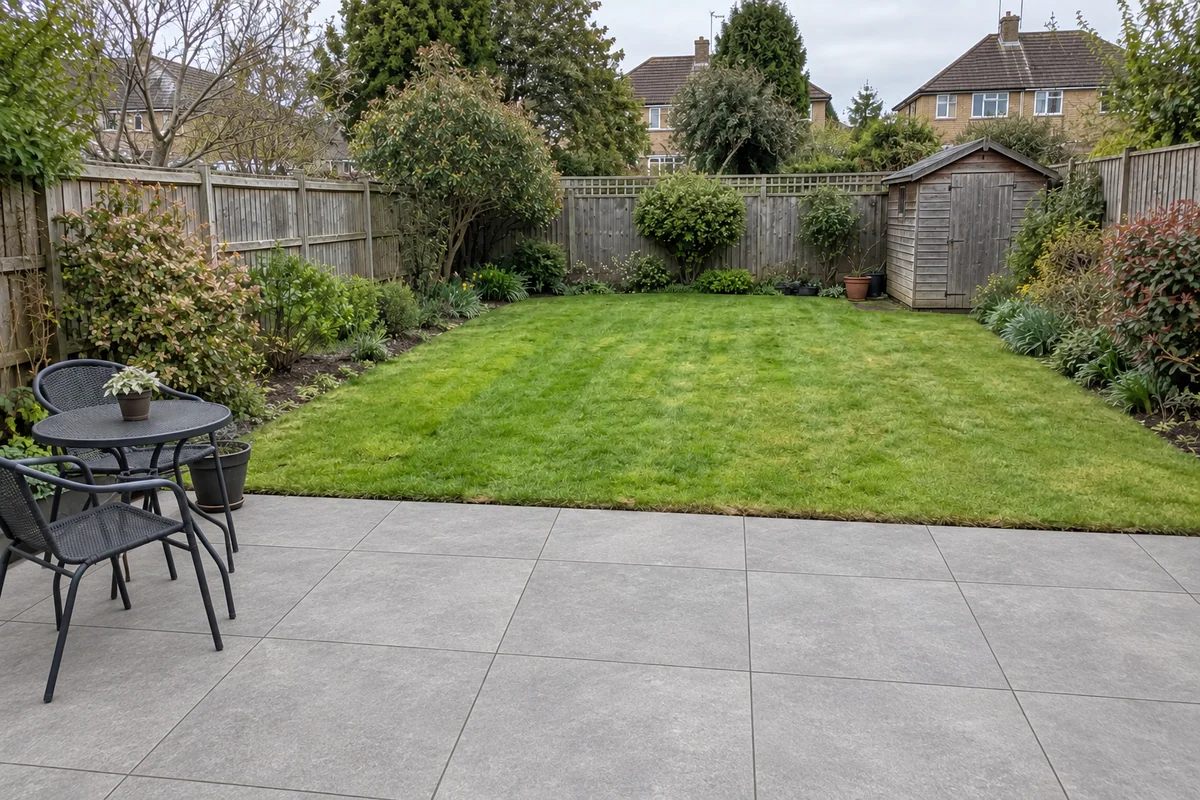
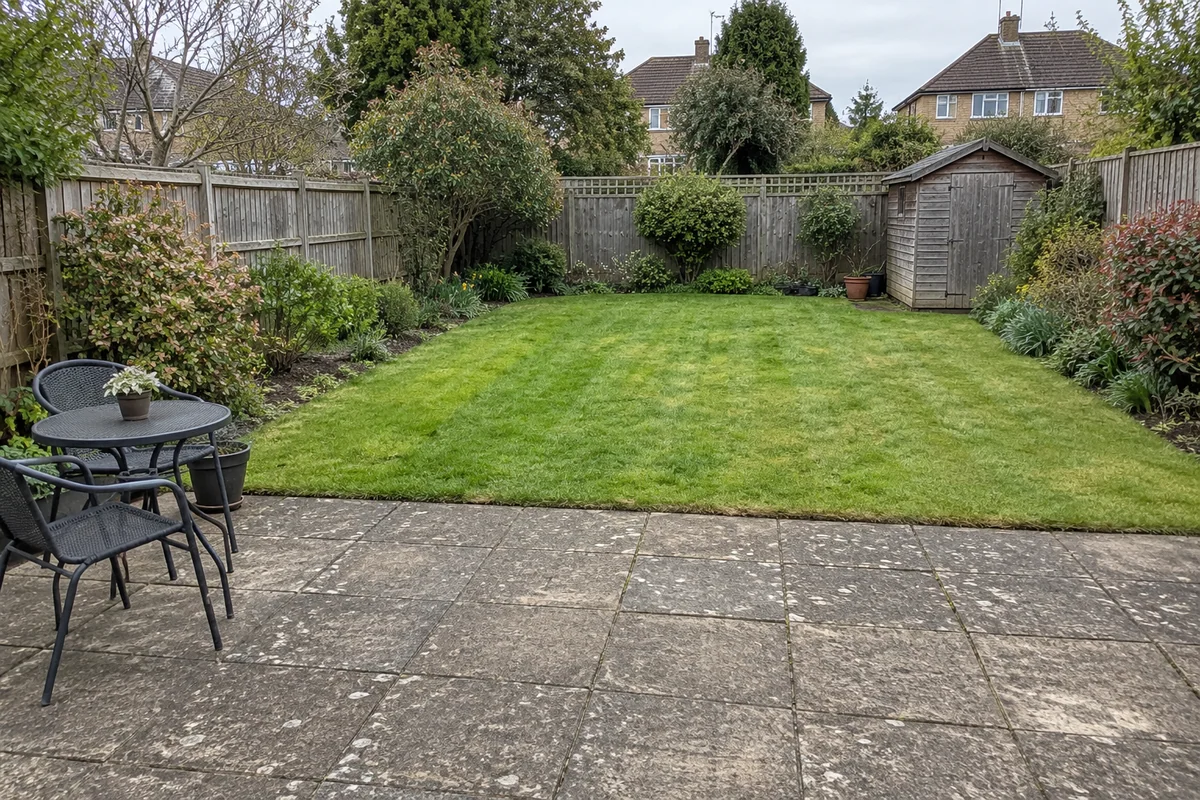 Original sceneAI concept
Drag to compare, or use the arrow keys
Illustrative AI concept, not a completed customer project.
Actual results depend on your photo and selected finish.
For the work you do
Preevu is useful when the area already exists and you want to show a different surface. Preview a patio finish or a lawn replacement while asking the AI to retain the surrounding planting, paths and boundaries. It keeps the conversation connected to the actual site.
Show how a sandstone or porcelain look sits next to the property and planting.
Put a natural-turf or artificial-grass concept into the existing lawn area.
Download the image as a reference, then agree the layout, levels and materials in your normal plan.
What you can preview
Explore the supported finishes below. Open the visualiser to see the choices currently available.
A natural stone patio appearance with tonal variation.
A cleaner, more uniform patio direction.
A refreshed grass surface within the existing lawn.
A neater synthetic-lawn concept to compare with natural turf.
Start with a clear photo, then use the result to talk through the finish.
A practical workflow
Use Preevu for the visual part of the conversation. Keep your existing estimating and project process.
Take a clear photo with permission, or use one the customer has supplied for the preview.
Choose the relevant work and finish. Add a short note, then check the generated image against the original.
Download a useful concept, label it clearly, and discuss it alongside samples and your own written quote.
Keep exploring
Questions, answered
Straight answers before you upload a photograph.
A clearer picture of the finish, before the work begins.