The visible lawn
Keep the preview focused on the area already shown as grass.
Artificial grass visualiser
Before choosing a lawn surface, see the visual direction in context. Preevu can apply an artificial-grass appearance to the existing lawn in your garden photograph.
Upload a photo. Choose the work. See the possibility.
 Project preview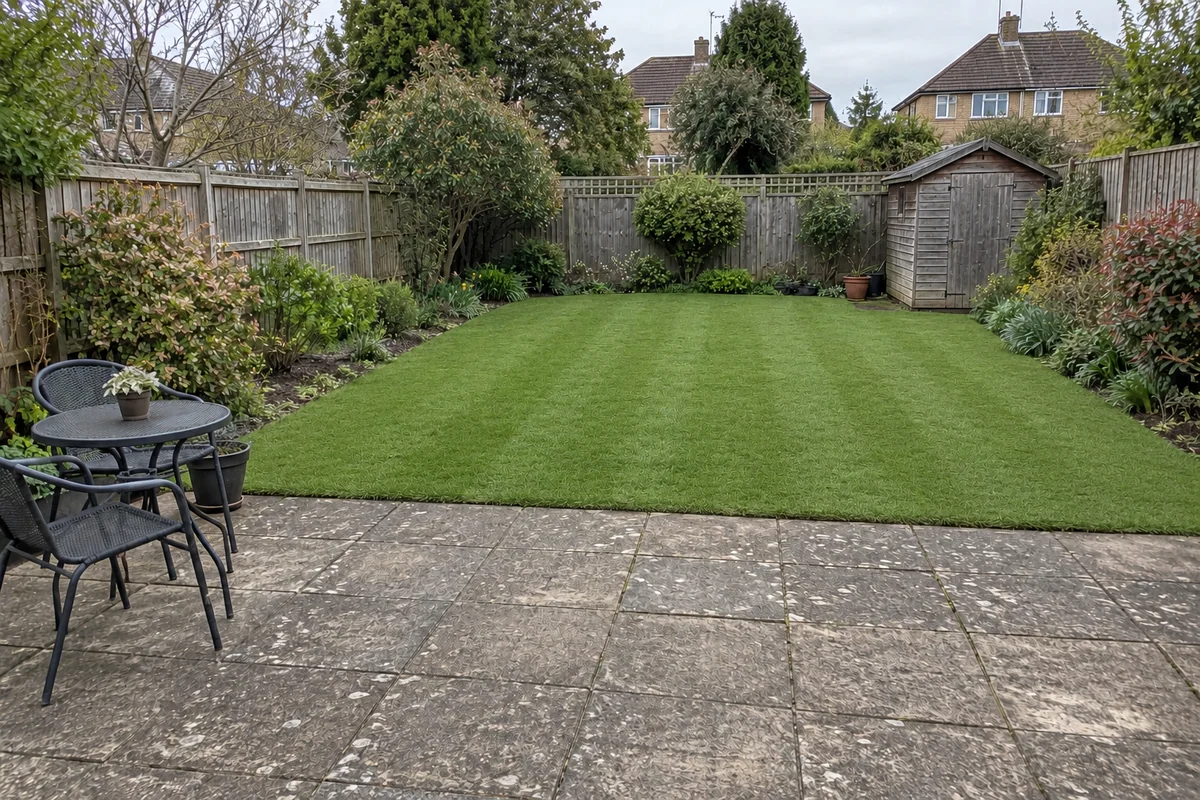
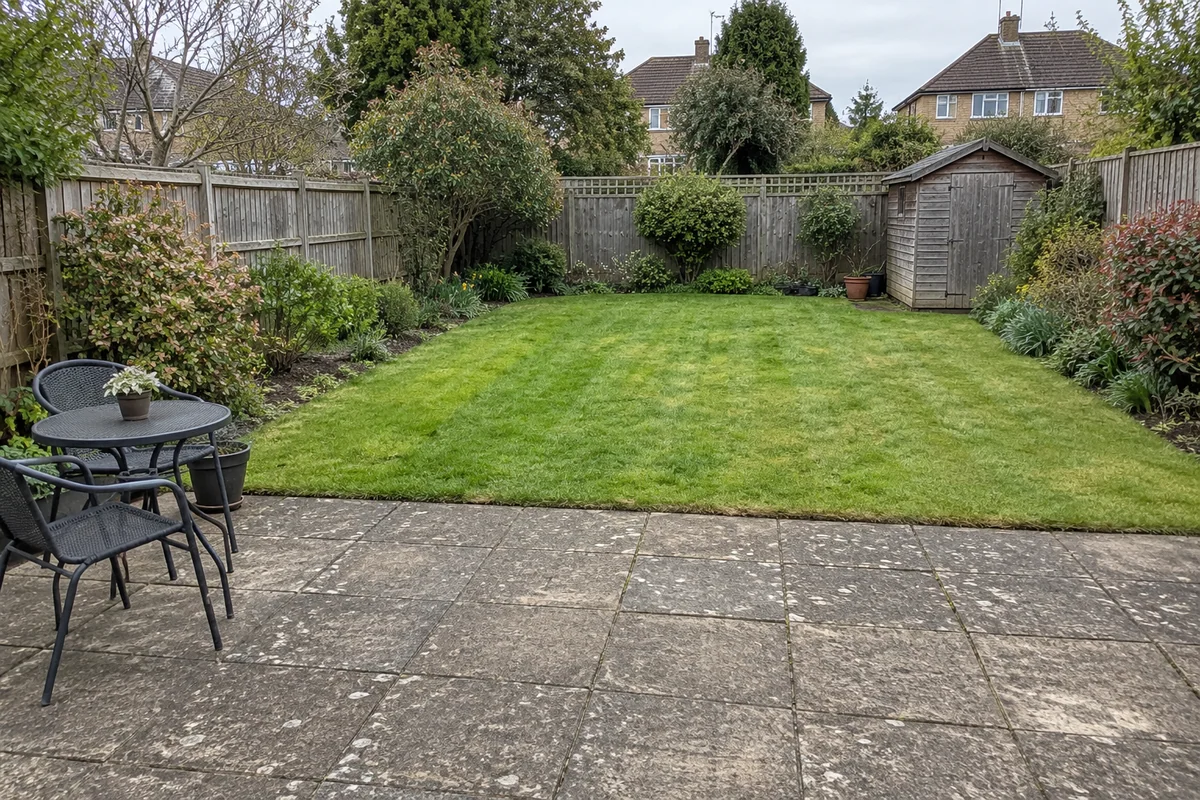 Original sceneAI concept
Drag to compare, or use the arrow keys
Illustrative AI concept, not a completed customer project.
Actual results depend on your photo and selected finish.
Your project, in context
A sample helps you feel the product. A garden preview helps you consider its overall appearance alongside paths, patio and planting. Choose the artificial-grass finish for the lawn change, then compare the AI concept with the original.
See the step-by-step processFrom your photo to a preview
Your choices
Use the image to explore the visual direction before agreeing the real work.
Keep the preview focused on the area already shown as grass.
Judge the green tone alongside planting and paved surfaces.
Create a separate natural-turf concept if you want a visual comparison.
The preview shows appearance only. It cannot assess drainage, ground preparation or the suitability of a particular grass product.
Make the most of the photo
The image cannot tell you how a product feels, drains or performs in your particular garden. Inspect samples and discuss the proposed build-up, edging and maintenance with your installer. Keep the visual decision separate from those performance checks.
Read the photo guideUse JPG, PNG or WebP within the limit shown in the tool.
The live catalogue supplies the available choices.
Check the original against the preview before using it.
Choose the change in the visualiser and create a concept to compare.
Questions, answered
Straight answers before you upload a photograph.