Patio paving
Compare a sandstone or grey porcelain appearance in the existing paved area.
Garden visualiser
A new surface can change the feel of an outdoor space. Upload a photograph and explore an existing patio or lawn with a different finish.
Upload a photo. Choose the work. See the possibility.
 Project preview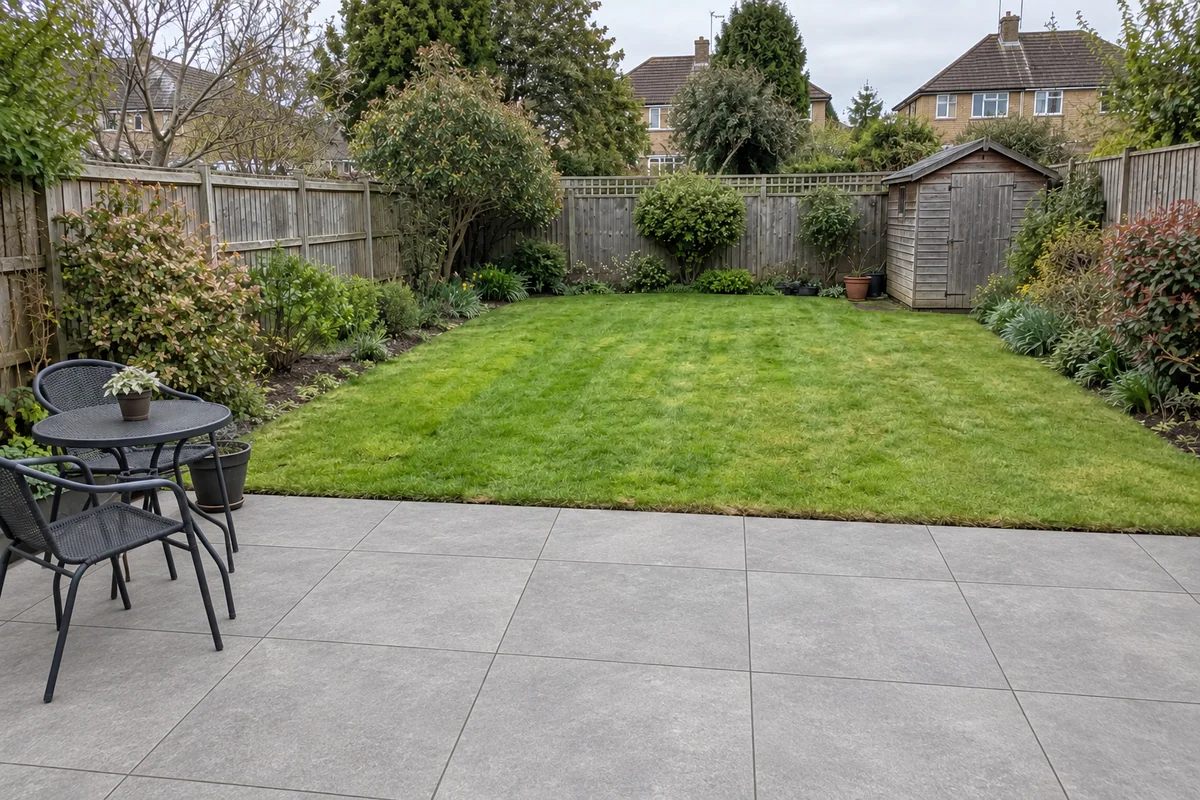
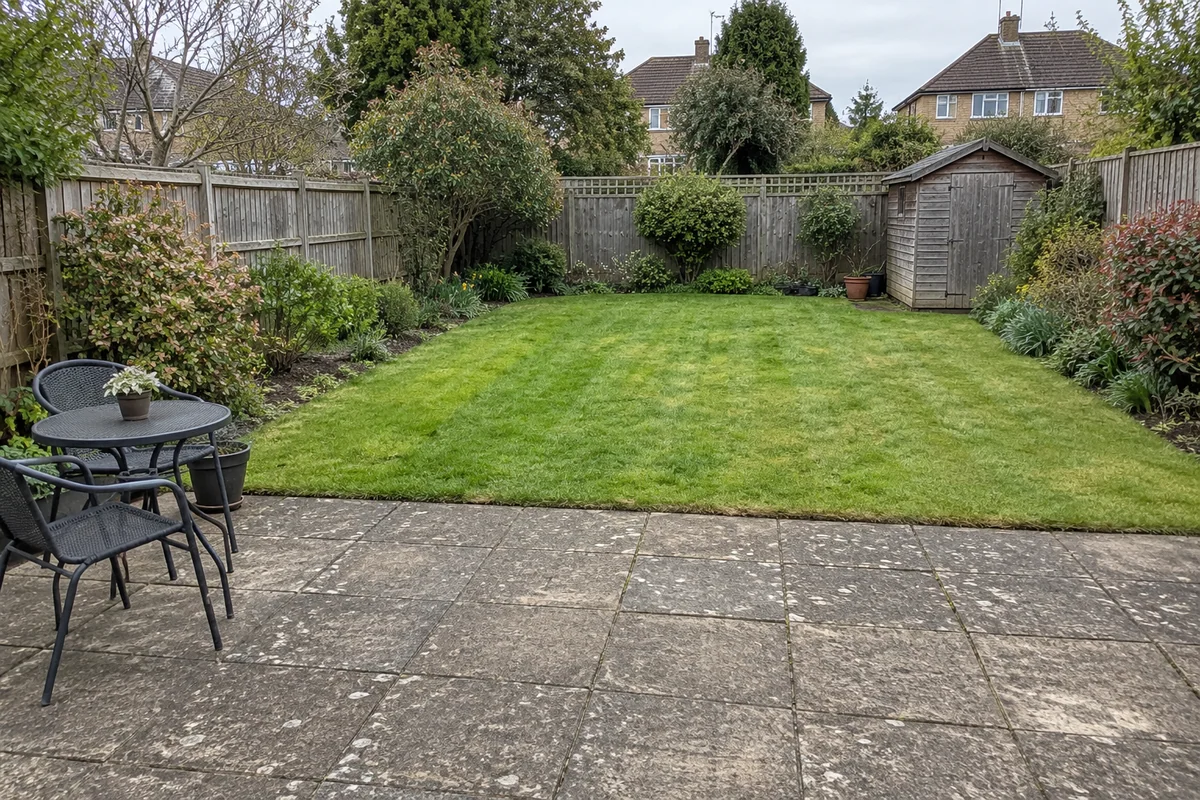 Original sceneAI concept
Drag to compare, or use the arrow keys
Illustrative AI concept, not a completed customer project.
Actual results depend on your photo and selected finish.
Your project, in context
Preevu’s landscaping choices focus on visible patio and lawn surfaces. That makes it useful for comparing a paving direction or a lawn replacement in the garden you already know. Choose one change at a time so you can see what each option contributes.
See the step-by-step processFrom your photo to a preview
Your choices
Use the image to explore the visual direction before agreeing the real work.
Compare a sandstone or grey porcelain appearance in the existing paved area.
Explore a refreshed lawn within its current boundaries.
See a synthetic-lawn concept in the same garden context.
This is a surface visualiser. It does not create a measured garden plan or assess levels, drainage, access or suitability.
Make the most of the photo
A wider photograph showing the area to be changed, nearby paths and planting gives the preview context. Avoid asking the AI to invent large unseen areas. If you need a new layout, start with a measured design conversation with your landscaper.
Read the photo guideUse JPG, PNG or WebP within the limit shown in the tool.
The live catalogue supplies the available choices.
Check the original against the preview before using it.
Choose the change in the visualiser and create a concept to compare.
Questions, answered
Straight answers before you upload a photograph.
Keep exploring