Warm white
Explore a light neutral wall colour in the existing room.
Paint colour visualiser
Wondering whether a room could take a darker colour, or whether sage will work with the sofa? Use a photo to explore the direction before buying tester pots.
Upload a photo. Choose the work. See the possibility.
 Project preview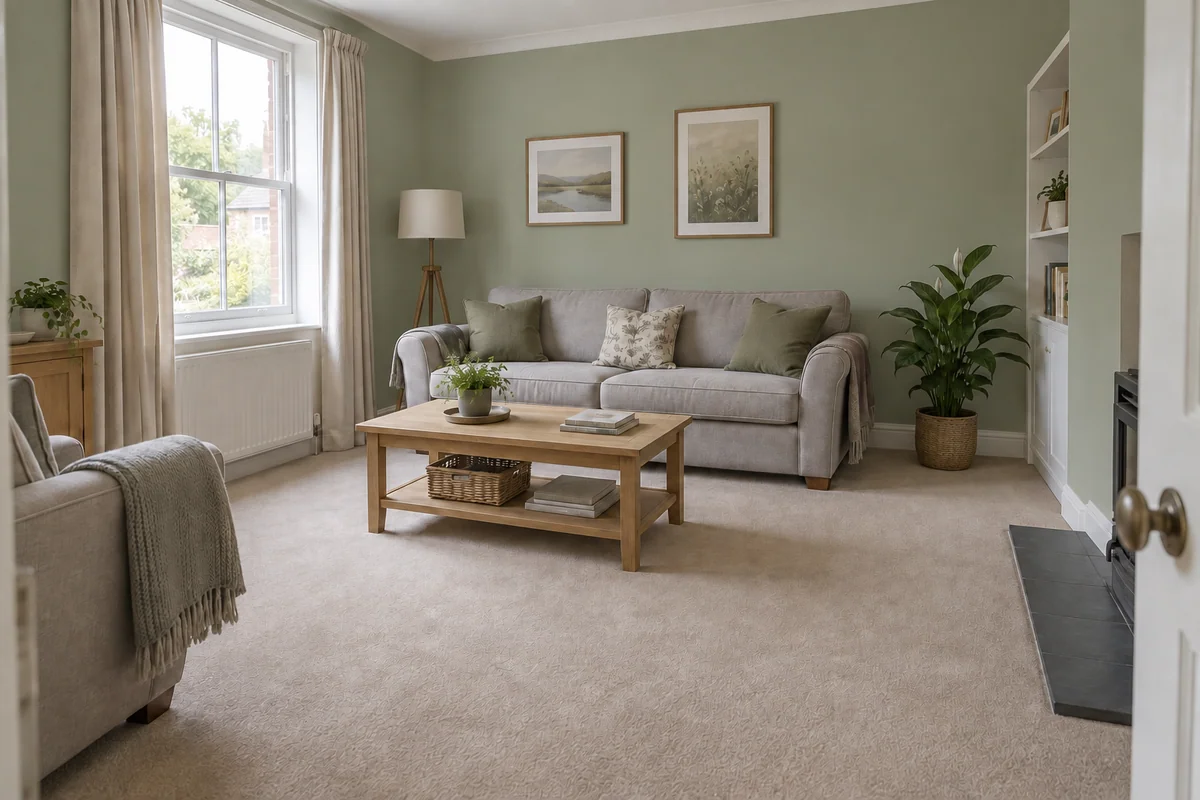
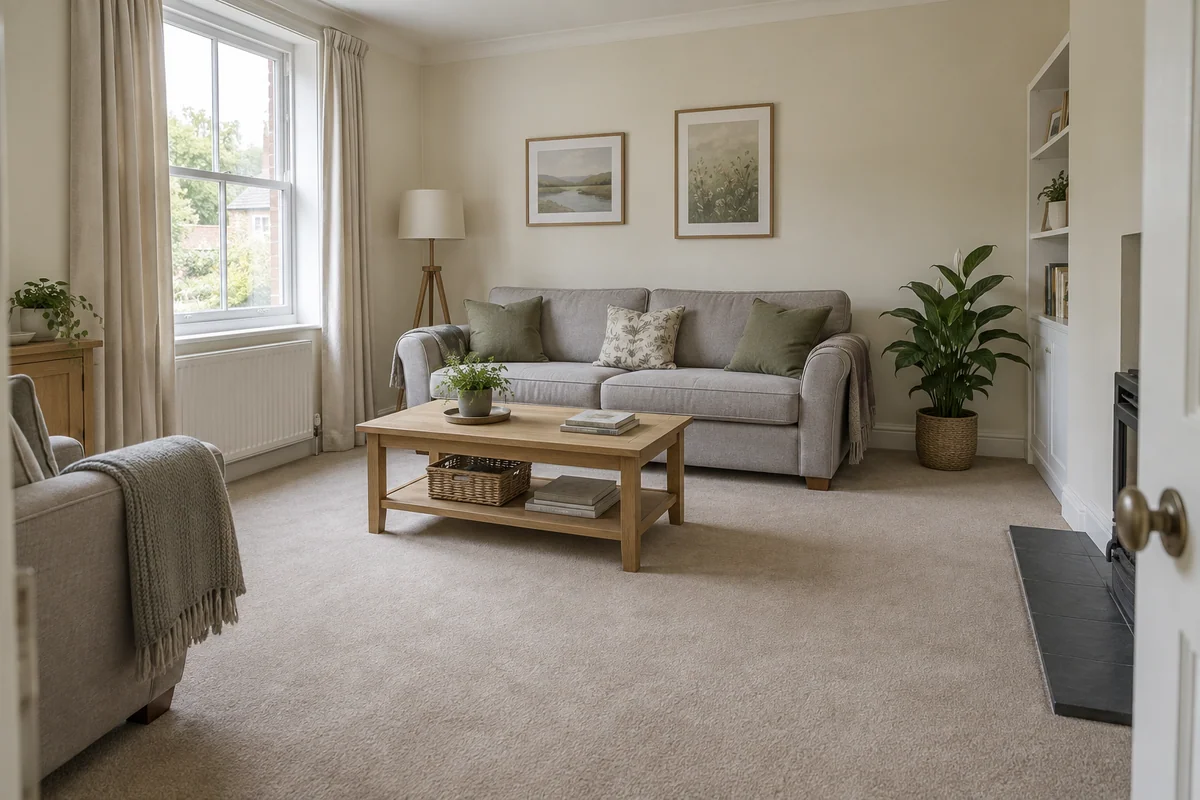 Original sceneAI concept
Drag to compare, or use the arrow keys
Illustrative AI concept, not a completed customer project.
Actual results depend on your photo and selected finish.
Your project, in context
Preevu asks the AI to repaint the visible wall surfaces while keeping the room’s furniture, floor and lighting in place. The result helps you judge the broad colour relationship, with the original photo alongside for comparison.
See the step-by-step processFrom your photo to a preview
Your choices
Use the image to explore the visual direction before agreeing the real work.
Explore a light neutral wall colour in the existing room.
Try a muted green alongside furniture and natural materials.
See a darker colour direction before testing it on the wall.
This is an AI colour concept, not a calibrated paint match. It cannot guarantee a named shade, finish or appearance under different lighting.
Make the most of the photo
Avoid strong filters and mixed coloured lighting where practical. Explain any feature-wall preference in a short note. Once you have a direction you like, test real paint in the room at different times of day before making a final choice.
Read the photo guideUse JPG, PNG or WebP within the limit shown in the tool.
The live catalogue supplies the available choices.
Check the original against the preview before using it.
Choose the change in the visualiser and create a concept to compare.
Questions, answered
Straight answers before you upload a photograph.
Keep exploring