Concrete tile appearance
Explore an anthracite covering against the existing walls.
Roof visualiser
A new covering can change the whole look of a property. Start with a photograph and explore the visual direction before you discuss the details with your roofer.
Upload a photo. Choose the work. See the possibility.
 Project preview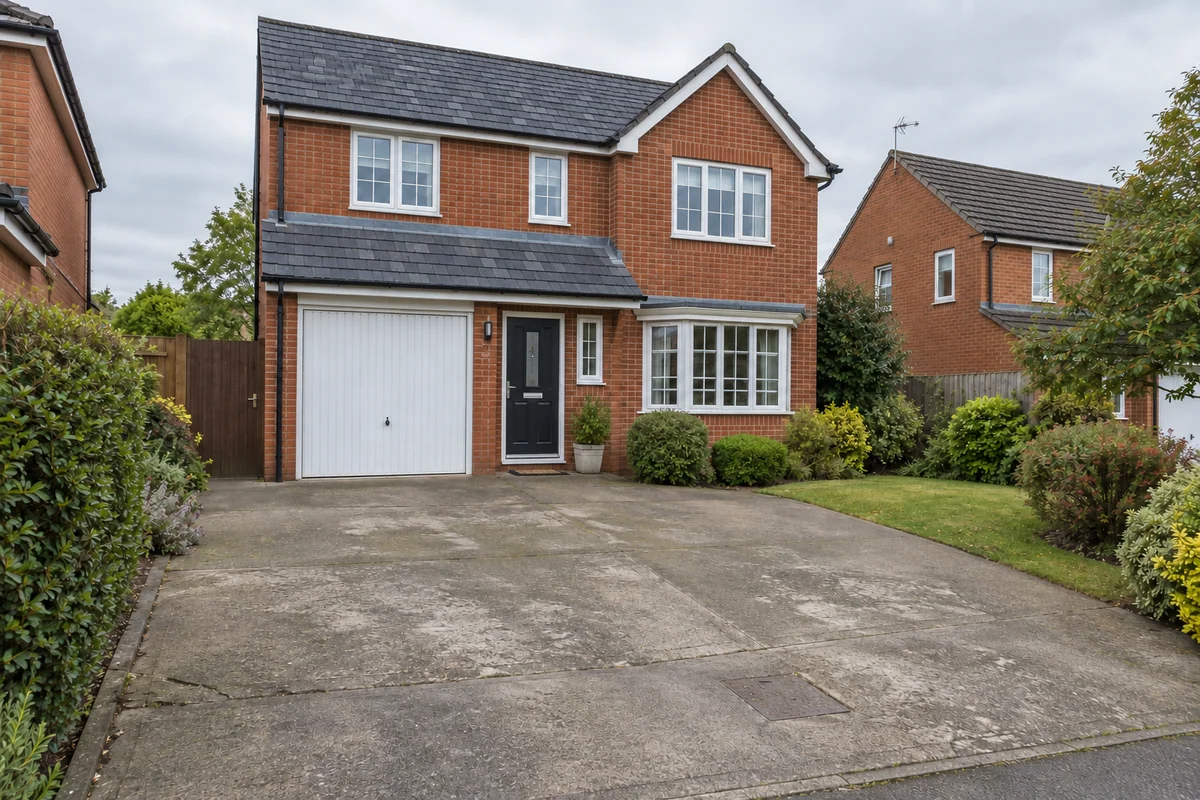
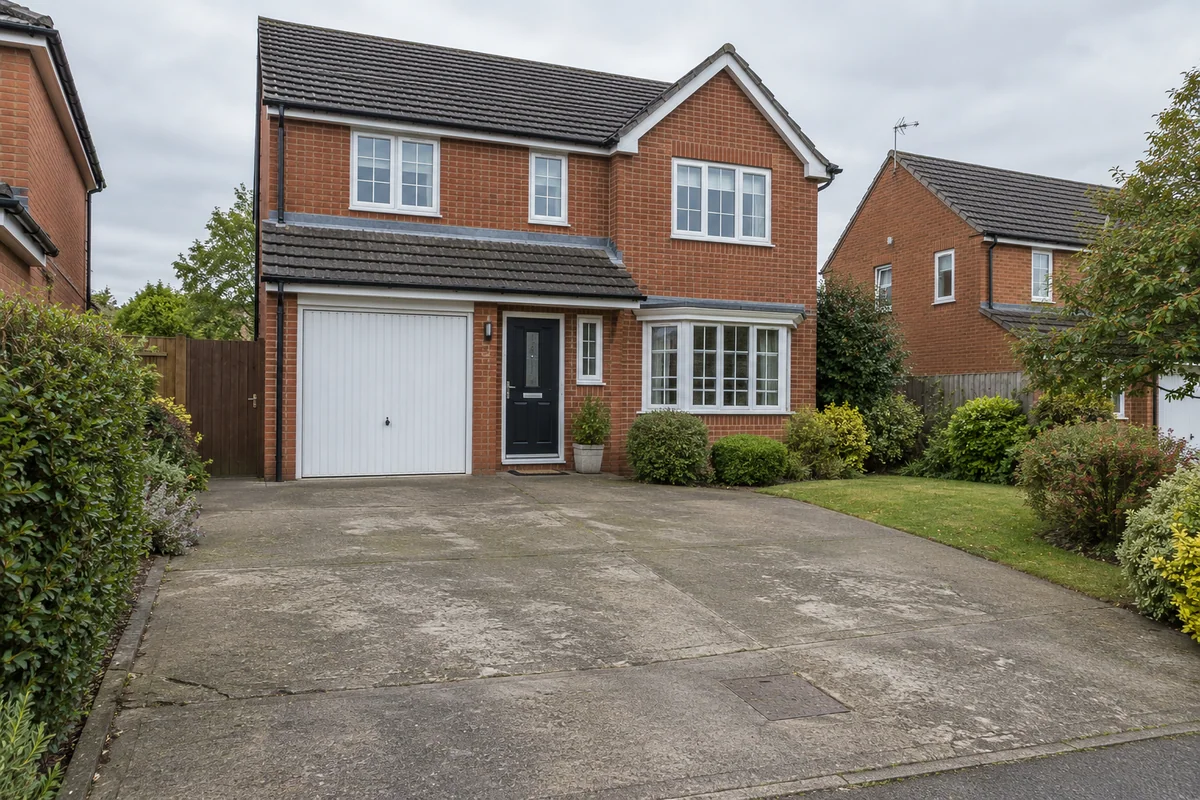 Original sceneAI concept
Drag to compare, or use the arrow keys
Illustrative AI concept, not a completed customer project.
Actual results depend on your photo and selected finish.
Your project, in context
Preevu can preview roof covering changes and selected roof-style concepts. For a covering change, it asks the AI to keep the roof form, chimneys and surrounding building in place. Roof-style changes deliberately explore a different form and need more careful review.
See the step-by-step processFrom your photo to a preview
Your choices
Use the image to explore the visual direction before agreeing the real work.
Explore an anthracite covering against the existing walls.
Compare warm red clay with a darker natural-slate concept.
Explore a hipped or gable idea as a separate visual exercise.
A roof preview is not a structural design, survey or confirmation that a proposed form can be built.
Make the most of the photo
If you only want to compare materials, choose Replace roof covering. If you are discussing a different roof shape, choose Change roof style. Keeping those intentions separate helps avoid a preview that changes more than you meant it to.
Read the photo guideUse JPG, PNG or WebP within the limit shown in the tool.
The live catalogue supplies the available choices.
Check the original against the preview before using it.
Choose the change in the visualiser and create a concept to compare.
Questions, answered
Straight answers before you upload a photograph.
Keep exploring