Resin bound
Compare lighter silver-grey and warmer golden aggregate looks.
Driveway visualiser
It is hard to choose a driveway from a square of material. Upload a photo of your frontage and see a new surface in the setting that matters: your own home.
Upload a photo. Choose the work. See the possibility.
 Project preview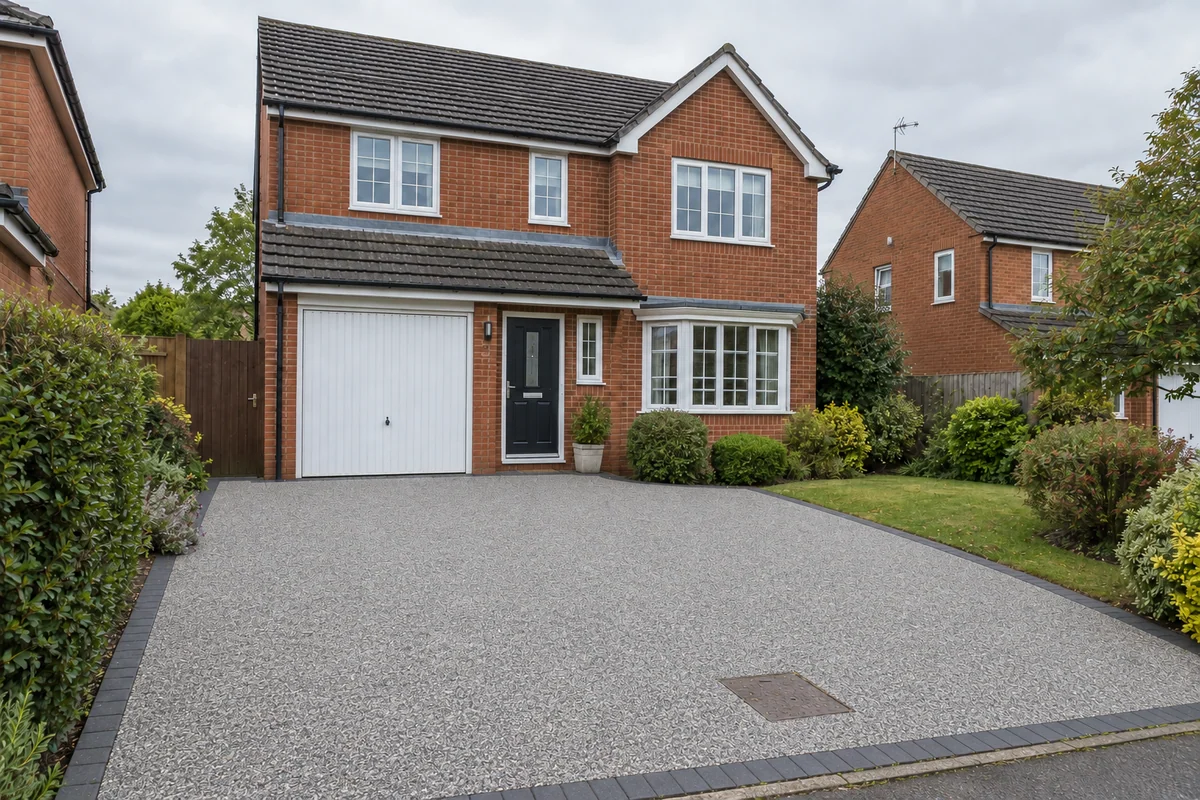
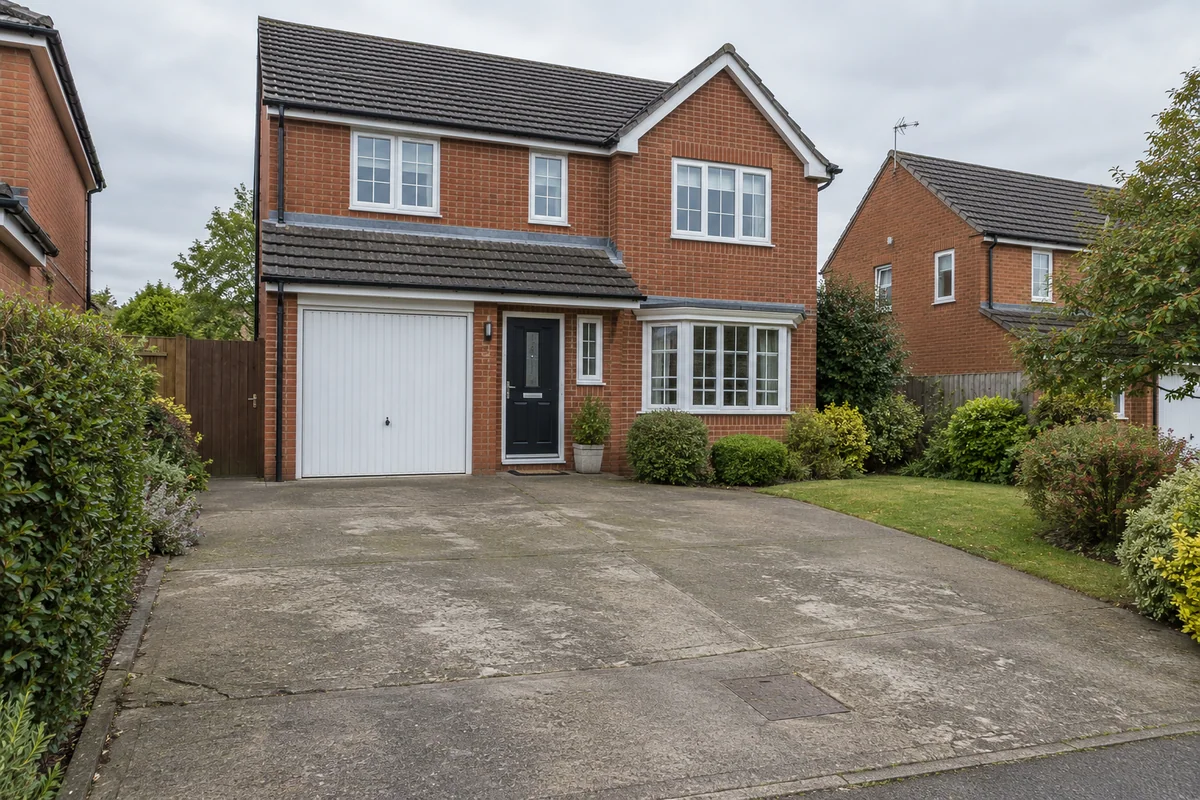 Original sceneAI concept
Drag to compare, or use the arrow keys
Illustrative AI concept, not a completed customer project.
Actual results depend on your photo and selected finish.
Your project, in context
The colour of the brickwork, the planting and the size of the drive all change how a finish looks. Preevu starts with your photograph and applies the selected surface as an AI concept. Slide between the original and the preview to judge the overall effect before you discuss the installation.
See the step-by-step processFrom your photo to a preview
Your choices
Use the image to explore the visual direction before agreeing the real work.
Compare lighter silver-grey and warmer golden aggregate looks.
Explore brindle or charcoal paving against the house.
See a different surface character on the existing drive.
The tool previews appearance. It does not measure the driveway, calculate a price or confirm drainage and installation suitability.
Make the most of the photo
Take the picture from far enough back to include the driveway edges and part of the house. Move vehicles where practical and keep the surface visible. The AI is asked to retain the drive’s footprint and the surrounding scene, but you should still check the result carefully.
Read the photo guideUse JPG, PNG or WebP within the limit shown in the tool.
The live catalogue supplies the available choices.
Check the original against the preview before using it.
Choose the change in the visualiser and create a concept to compare.
Questions, answered
Straight answers before you upload a photograph.
Keep exploring